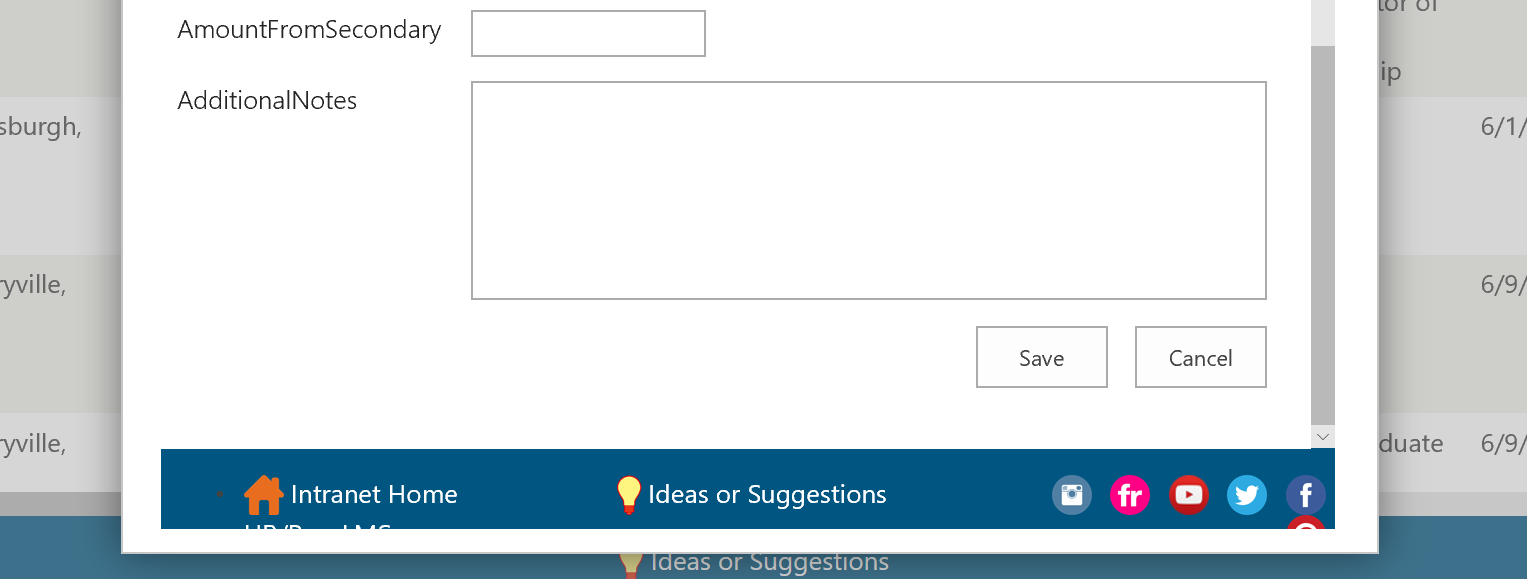
When writing your own custom headers and footers, you probably don’t want/need that script showing in modal dialog windows too. It can look sloppy or accidental and may wrap oddly, as seen in my example above.
Luckily, it’s an easy fix.
- Open your master page for editing (or wherever you’re placing your custom script).
- Find your custom divs (in my example, footer-fixed)
- Add class=”ms-dialogHidden” after the div id

- Repeat steps 2 & 3 for each custom div you’ve written that you want to keep from showing up in modal dialogs
Save/publish your changes. Good luck!