This article was originally published on August 8, 2019. Product interfaces and features may have changed. Some original images are not yet available.
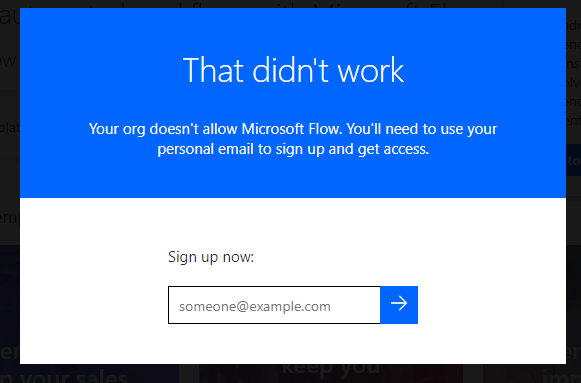
I’m currently on an adventure into my first GCC (government) tenant. When I went to https://flow.microsoft.com in this new GCC tenant, I got the following error:
“That didn’t work. Your org doesn’t allow Microsoft Flow. You’ll need to use your personal email to sign up and get access.”
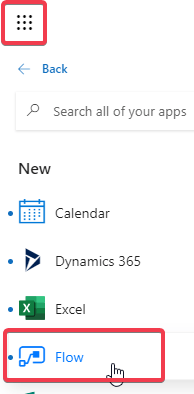
I was in the habit of using that URL for quick access. Turns out the GCC tenant uses a different Flow. If you use the app launcher in your tenant to get there, you’ll notice the correct URL to memorize is https://gov.flow.microsoft.us (or your locality).
Original image unavailable.
If that doesn’t work for you, and you’ve tried to get to Flow through the App Launcher (waffle icon in the upper left of Office online or SharePoint), it could very well be that your organization doesn’t allow Flow.
One major difference I’ve noticed so far is that Flow for government O365 tenants only has around ~85 connectors currently where as Flow for commercial O365 tenants has around ~275 connectors.
The following are the available connectors currently in GCC tenants: