
A colleague of mine from LMH Health, Andrew Brookens, and I set out to deliver an hour’s worth of efficiency hacks using OneNote and Outlook this week. It was the first time we’d tried such a thing, and it was a hot topic. We had 40+ show up in person, and a few people online have asked for handouts or recordings so I’m sharing it all here.
We knew we were setting out to share a lot of demo, and a lot of info from TWO products in FIVE topics in an hour or less. So we devised a handout that would help attendees along the way, and after. You can download it below. In-person attendees also got free access to my OneNote 101 7-day email course.
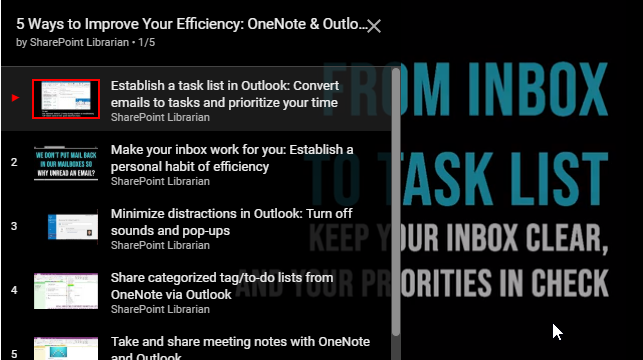
Because we don’t all have an hour to watch the recording, Andrew and I agreed that sharing smaller, digestible videos would probably work best for busy professionals on the go. Here are brief teaser videos introducing each of our five concepts:
Leave a Reply